
D&D
How to Scare Players in D&D Using Roll20: A DM Guide
JUNE 18, 2026

The joy of being a DM comes from many things. The ability to create compelling stories, set the scene for daring adventures and encounters, and to see your player’s characters grow as they explore their path, may be the intention for some. For others, the joy of being a
DM comes from the ability to truly strike fear into the hearts of your players; making them question every decision because they don’t know what may be lurking at every turn. If this is your aim, then this guide has found its audience.
Let’s explore how to create and set the scene for a horror campaign using tools that you can access through Roll20 to scare your players!
Dynamic Lighting
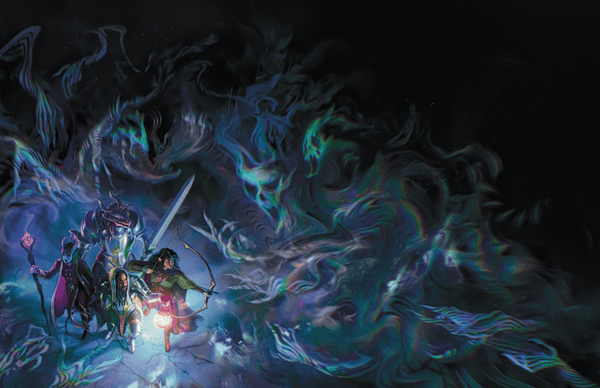
The fear of what could be lying in wait within the darkness is a sensation that we are all familiar with. Bringing this sensation into your campaign is a sure way to scare your players. However, this can’t be achieved if a player can see what’s coming. With the use of Dynamic Lighting, DMs can create a sense of dread, apprehension, and instill fear with a click of a button.
Dynamic Lighting is a lighting system that updates players’ line of sight in real-time, as they play. Therefore, DMs can create maps with areas that are completely dark and only illuminate as players move within the space if they are holding a light source. DMs can further set the tone with the ability to create walls, columns, doors, and other pieces on the map through Map Building. With these barriers in place DMs can choose to have low light areas depending on what light sources are available such as torches, windows, etc., or light can be blocked completely. Utilizing this tool allows for the creation of a more dynamic atmosphere which gives DMs the ability to tuck terrors away in the dark corners or surprise their players with other untold horrors.
If this is something you want to utilize within your VTT but need to know how to get started, Roll20 has a few articles including, How to Set Up Dynamic Lighting!
(This feature is exclusive to Pro-subscribers. If you’d like to use this feature, consider upgrading your account).
Sound: Ambience and Music
When watching a scary movie, it’s not just seeing (or not seeing) what’s on the screen that scares us, it’s the sounds that accompany those scenes that also set us on edge. Setting the tone is important, especially when it comes to those nerve wracking and terrifying moments that come within any campaign and utilizing sound in your campaign is a great way to do that. Roll20 has a tool called Jukebox that can help with that.
Jukebox allows the DM to play background music or ambient sounds that everyone can hear within the VTT campaign. If you go into your Roll20 account you will find a tab that looks like a speaker, this is your Jukebox. Here you can access Roll20’s library of music and sound and select the perfect ones for your adventure to add to a playlist that you can customize. Making your way towards the gothic towers of Strahd’s castle? How about a Barovian Castle mix to set the tone? (Yes, it exists!)
If you happen to not find anything to your liking that really speaks to the tone you’re trying to set, Roll20 also supports players uploading and streaming their own audio files through the My Audio section within Jukebox. (Keep in mind, audio files uploaded count towards your storage quota). The system allows uploads of up to 20MB. Of course, all of this can be managed through your playlist which you can customize to include your tracks and tracks picked from Roll20’s library.
Utilizing this tool, any DM can customize the sounds to match the mood of the moment and make your players question what’s going bump in the night! Of course, to help you along your way Roll20 has a guide to help you utilize Jukebox.
Using Macros, Token Actions and Roll Table
Never underestimate the element of surprise, especially if you are trying to get the jump on your players. However, sometimes certain game mechanics can slow down the pacing of a game and can make the surprise a little more difficult to spring. But don’t worry, Roll20 has your back!
Through the use of Macros and Token Actions, DMs can perform shortcuts that will allow them to run a campaign more efficiently. This will allow them to focus on what matters, surprising and scaring your players.
Macros are custom shortcuts for frequently repeated commands and are used to roll quick saving throws for NPCs, trigger random tables, or run quick utility actions. These commands are for the game directly and will appear at the bottom of the screen. These can be created and managed in the Collections tab on the right sidebar.
Token Actions are a variant of macros but rather than the game, these actions belong to an individual
character. These commands will appear at the top of your screen when you select a character’s token. These are typically used for attacks, ability checks, and other character actions. Since token actions are tethered to individual characters, management can be found under the Advanced Tools/ Attributes & Abilities tab of their character sheet.
A Rollable Table or Roll Table is a collection of items from which a single item can be randomly chosen. Found under the Collections tab in the sidebar, this tool can be used to create custom dice, critical success/failure tables, loot tables, and any other assortment of items that need to be “rolled.” This gives DMs the ability to create a true sense of surprise (even for themselves) as this tool allows for a sense of unpredictability within a campaign.
For more information on Roll Tables check out Roll20’s article titled (drum roll) Roll Table!
Change Token Images
Modify Token Image is a script that allows you to change the look of your tokens. For example, have a sweet NPC grandma? BAM! Not anymore because now she’s a hag! In addition, this tool also allows you to switch out Character Tokens if you come up with something different.
Having the ability to switch tokens quickly gives DMs a little more efficiency with their campaign and it also allows them to keep the tone of the story alive through small details. Changing token images also aids in the creation of surprise and unpredictability as players are suddenly met with something they weren’t expecting.
To learn more about how to apply this tooling to your campaign check out Roll20’s article, Script: Modify Token Image.
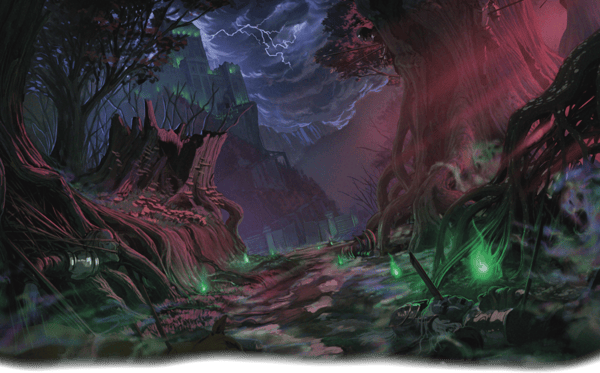
Having fun adventures with your players and taking them on adventures is why DMs do what they do, sure. But, if we’re being honest with ourselves, there also comes the joy of instilling that fear in our players of what may be lurking in the shadows. Or the sound of their voices as they ask, “why is that sound playing”? And “No, it’s a mimic!”
To create these beautiful memories, keep Roll20’s tools in mind as you adventure!